

Order before 12PM AEDT for same-day dispatch!








Related Items


5% OFF
RAM-GDS-DOCK-U4CDU
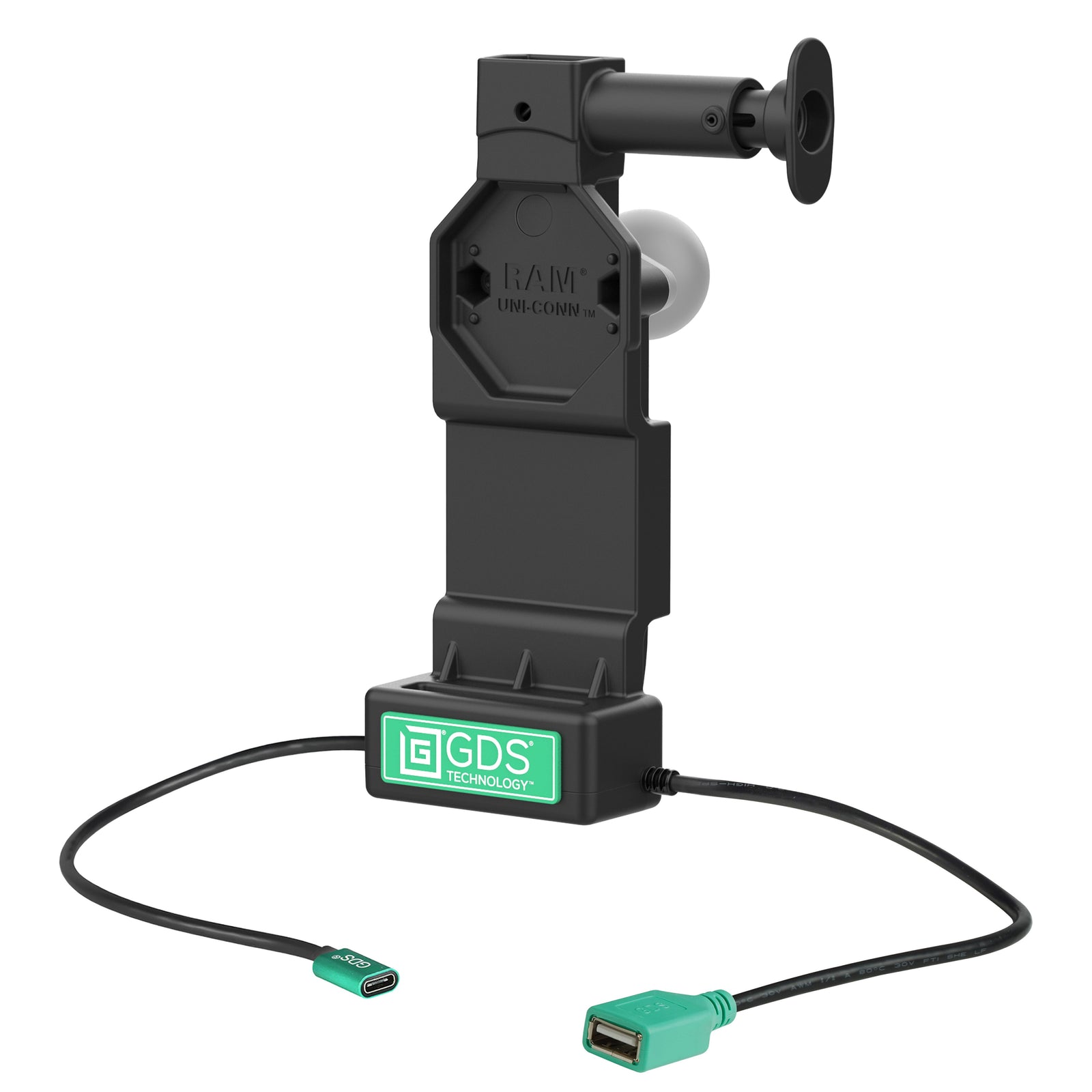
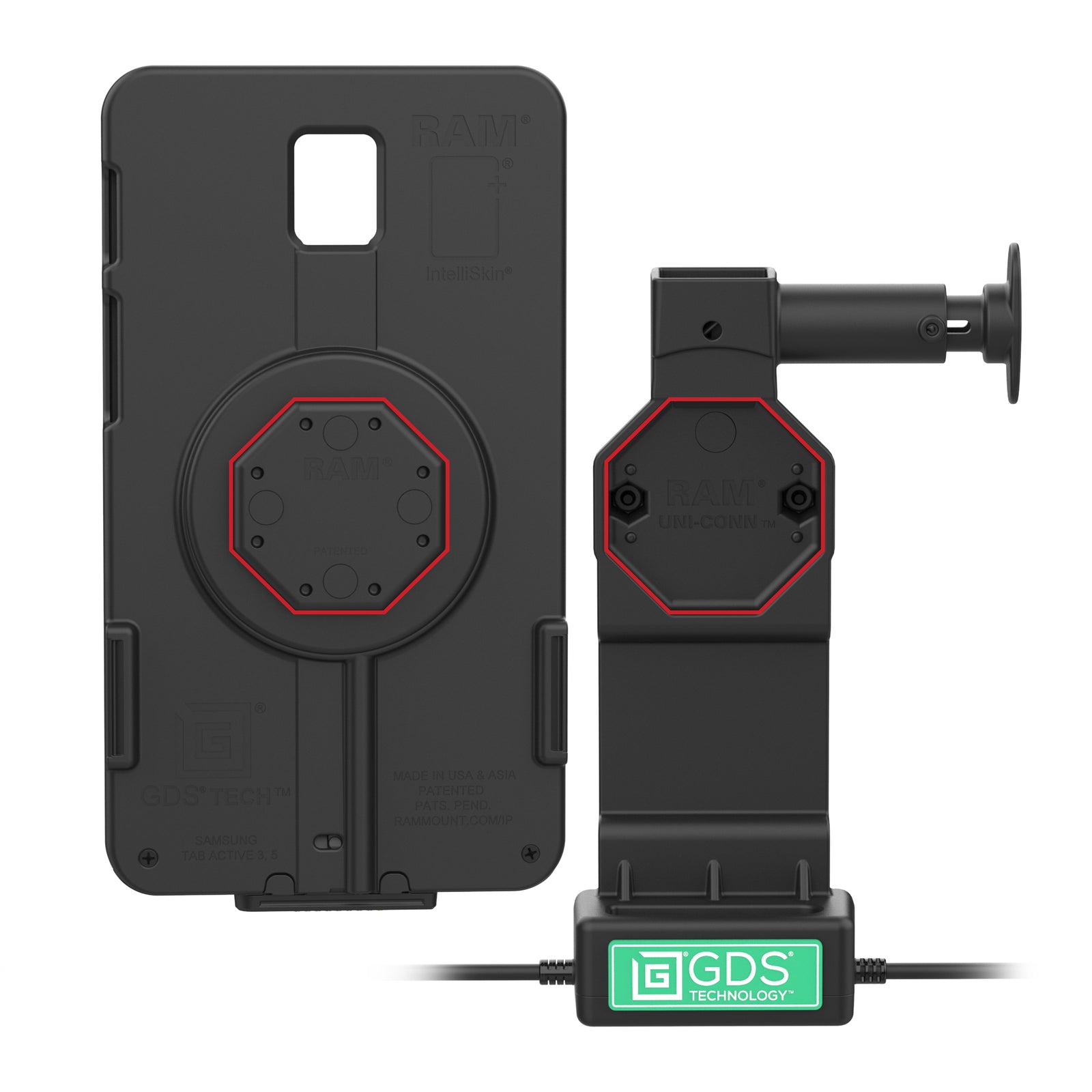
RAM GDS Uni-Conn Powered Dock + USB-A with Release Button (RAM-GDS-DOCK-U4CDU)
$299.00$317.00You Save 5% ($18.00)
Included:
- 1 x RAM GDS Uni-Conn Powered Dock + USB-A with Release Button (RAM-GDS-DOCK-U4CDU)
Features
- Bottom-contact GDS Uni-Conn dock for compatible IntelliSkin cases fitted with the correct Uni-Conn adapter
- USB-C power input and one USB-A female peripheral connection
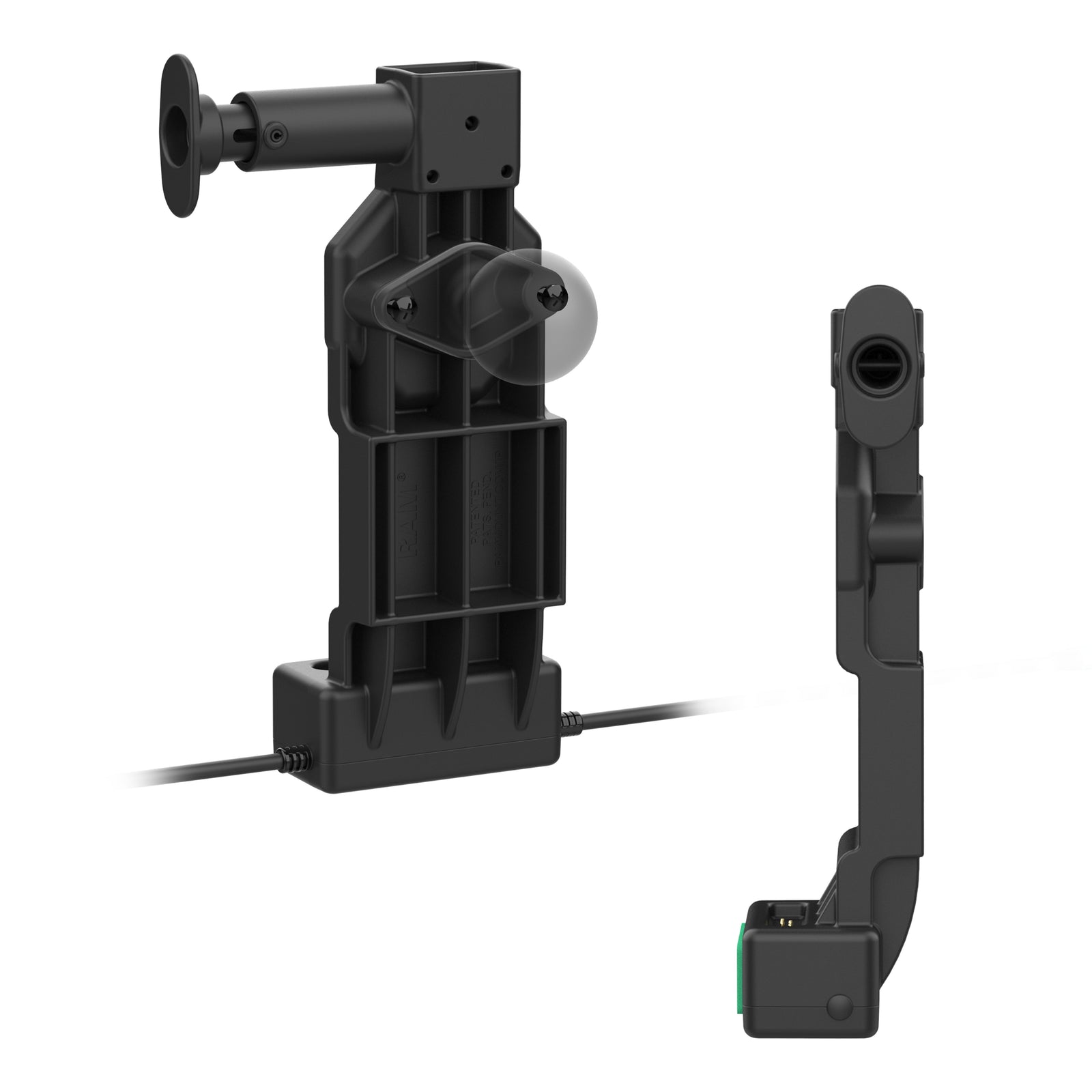
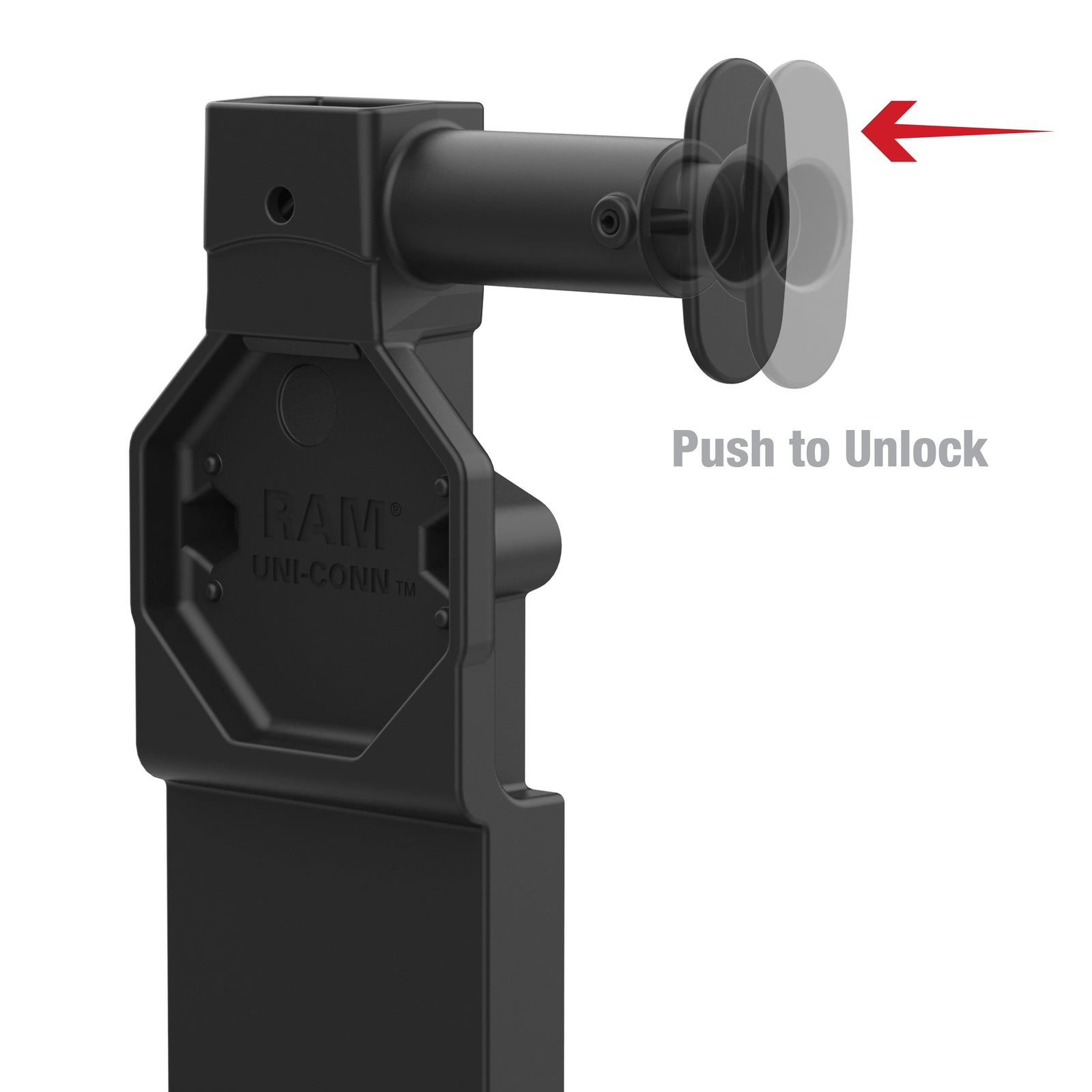
- Snap-in holder with push-button release for regular tablet docking
- 2-hole AMPS mounting pattern; separate RAM mounting components required
- Backed by a 3-year warranty
Overview
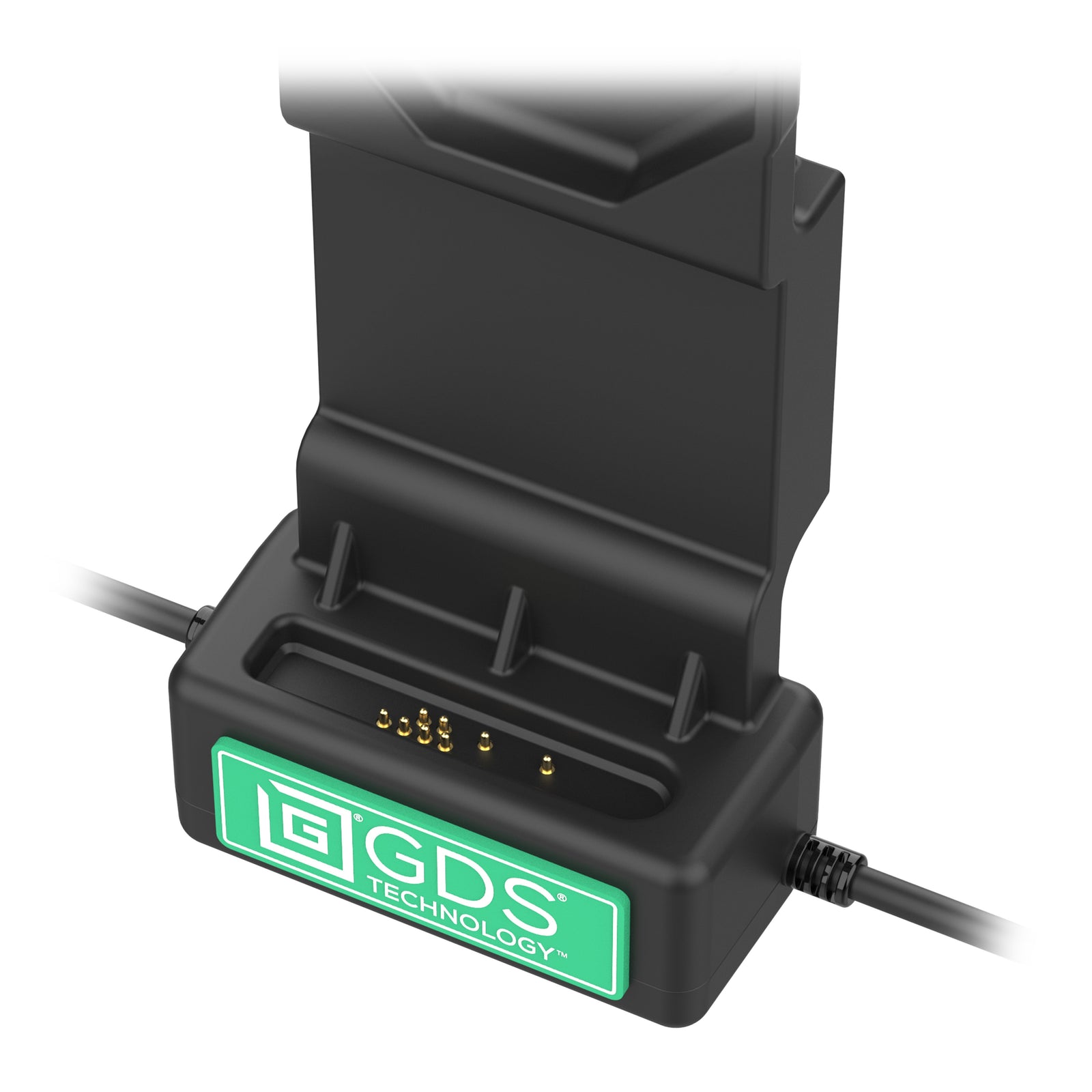
The RAM-GDS-DOCK-U4CDU adds one USB-A peripheral connection to a quick-release tablet charging setup. Its lower pogo pins contact the D-shaped pad area on a compatible IntelliSkin, while the Uni-Conn adapter holds the case in the dock.
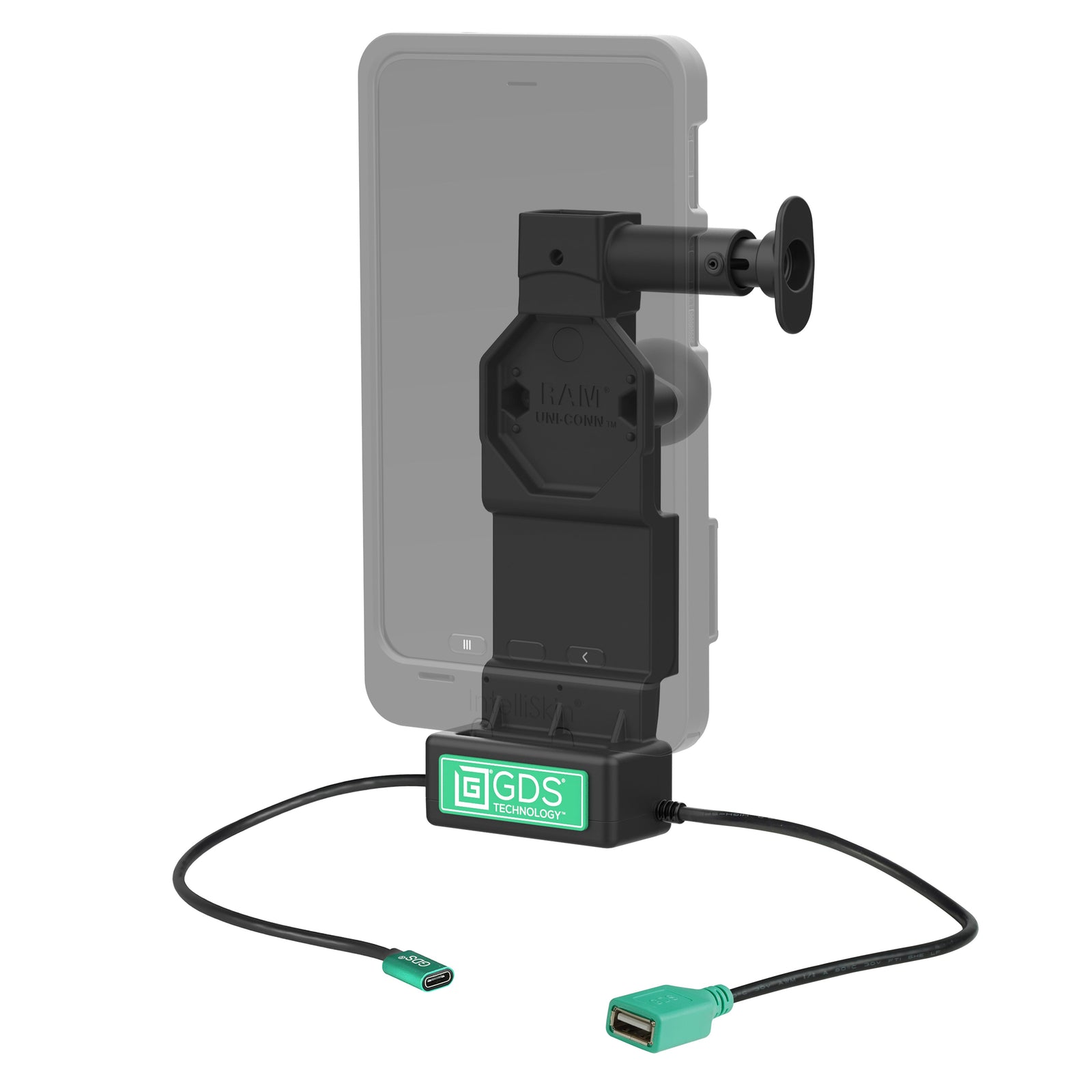
Place the case into the dock and push it into position; press the release button when you need to take the tablet with you. The exact-device IntelliSkin, its required Uni-Conn adapter, power supply and mounting system are sold separately.
Connect an optional keyboard, scanner or other compatible USB peripheral to the USB-A lead. The tablet, operating system and peripheral must support the intended connection, and the peripheral supply is limited to 500mA. A peripheral is not required for charging.
Choose a power supply to suit your device and vehicle voltage. For plug-in power, use the 30W USB-C vehicle charger and a USB-C male-to-male cable. For hardwired power up to 45W, choose 10–30V RAM-GDS-CHARGE-V3C-3U or 30–64V RAM-GDS-CHARGE-V3CH-2U; both include the USB-C output lead. Charging is limited by the device, case and power supply.
Add a compatible 2-hole AMPS RAM ball adapter, matching arm and application-specific base. Any tablet, case or mounting ball shown in application images is sold separately.
Specs
Hardware Included:
(2) #8-32 x 5/8" Machine Screws
(2) #8-32 Nyloc Nuts
(1) Cable Clamp Kit
Charging Contacts:
Bottom D-shaped contact family
Hole Pattern:
2-hole AMPS: 48.6mm centres (1.912")
Power Input:
USB Type-C female
Tablet Output:
5–20V at up to 3A; 60W maximum
Peripheral Connection:
1 x USB Type-A female
Peripheral Output:
500mA
Cable Lengths:
Input: 215mm
Output / peripheral lead: 215mm
Materials:
High strength composite
Colour:
Black
Packaging:
Poly bag
Weight:
Approximately 295 g (0.65 lb)
Warranty:
3 years
Compatibility
- Requires a compatible bottom-contact IntelliSkin and the Uni-Conn button adapter specified for that exact case. RAM-GDS-U1U is the standard adapter; RAM-GDS-U1AU is the adjustable version for cases that need a different button position.
- A confirmed standard-adapter example is Galaxy Tab A9+ IntelliSkin Next Gen (RAM-GDS-SKIN-SAM88-NG) with RAM-GDS-U1U. Galaxy Tab Active5 IntelliSkin Next Gen (RAM-GDS-SKIN-SAM90-NG) also uses RAM-GDS-U1U.
- For iPad IntelliSkin Next Gen (RAM-GDS-SKIN-AP40-NG), use RAM-GDS-U1AU at the case-specific setting. Do not substitute the standard button.
- Rear-pogo TCB Thin-Cases require a rear-contact dock such as RAM-GDS-DOCK-U5CPU and do not charge in this bottom-contact dock.
- This snap-in dock is not recommended for open-cockpit applications such as forklifts.
Help
RAM U4 dock assembly instructions.
RAM IntelliSkin adapter selection and position guide.
For a charging-only bottom-contact dock, see RAM-GDS-DOCK-U4CPU.
Need assistance? Get in contact with us at info@modestmounts.com.au with your exact device, IntelliSkin part number and intended installation.
Related Items
Customer Reviews
Reviews will load below after clicking.


